
Loading page
Loading page

Sell & manage
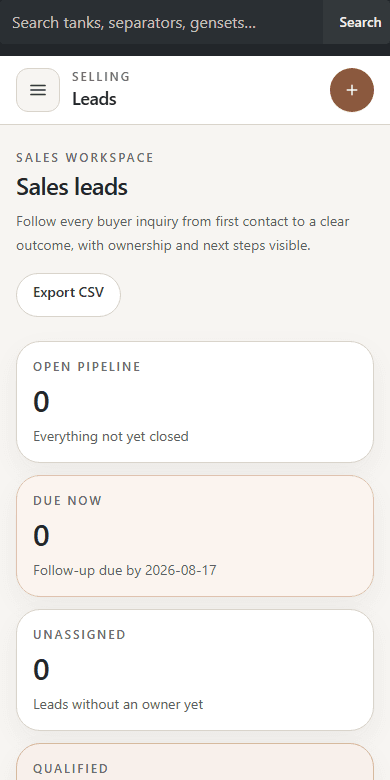
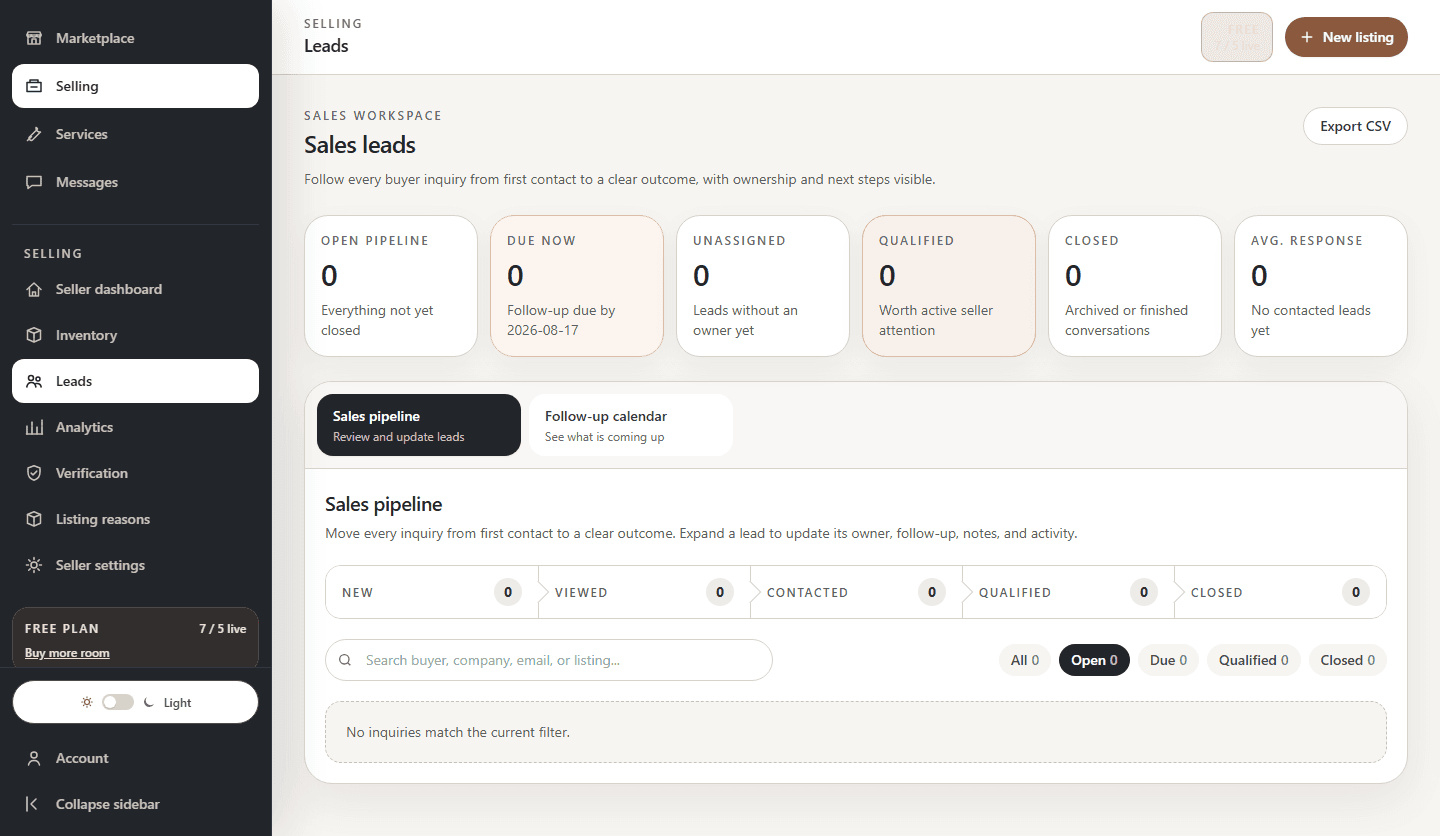
AvailableKeep buyer conversations moving without losing the listing context.
Review inquiries, track follow-up, assign lead stages, and continue private conversations from a shared workspace.
How it works
Each lead arrives with its listing context so the seller knows what prompted the conversation.
Set lead stage, follow-up timing, notes, and assignment without moving the workflow into a separate spreadsheet.
Use Redeploy HQ messaging to keep the equipment and customer context attached to the conversation.
Example outcome
Inquiry → follow-up
A team turns a new listing inquiry into a scheduled follow-up and can see who owns the next action.
What you get
Step-by-step guides
Open a maintained guide for the exact task you want to complete.
Browse all guides →